

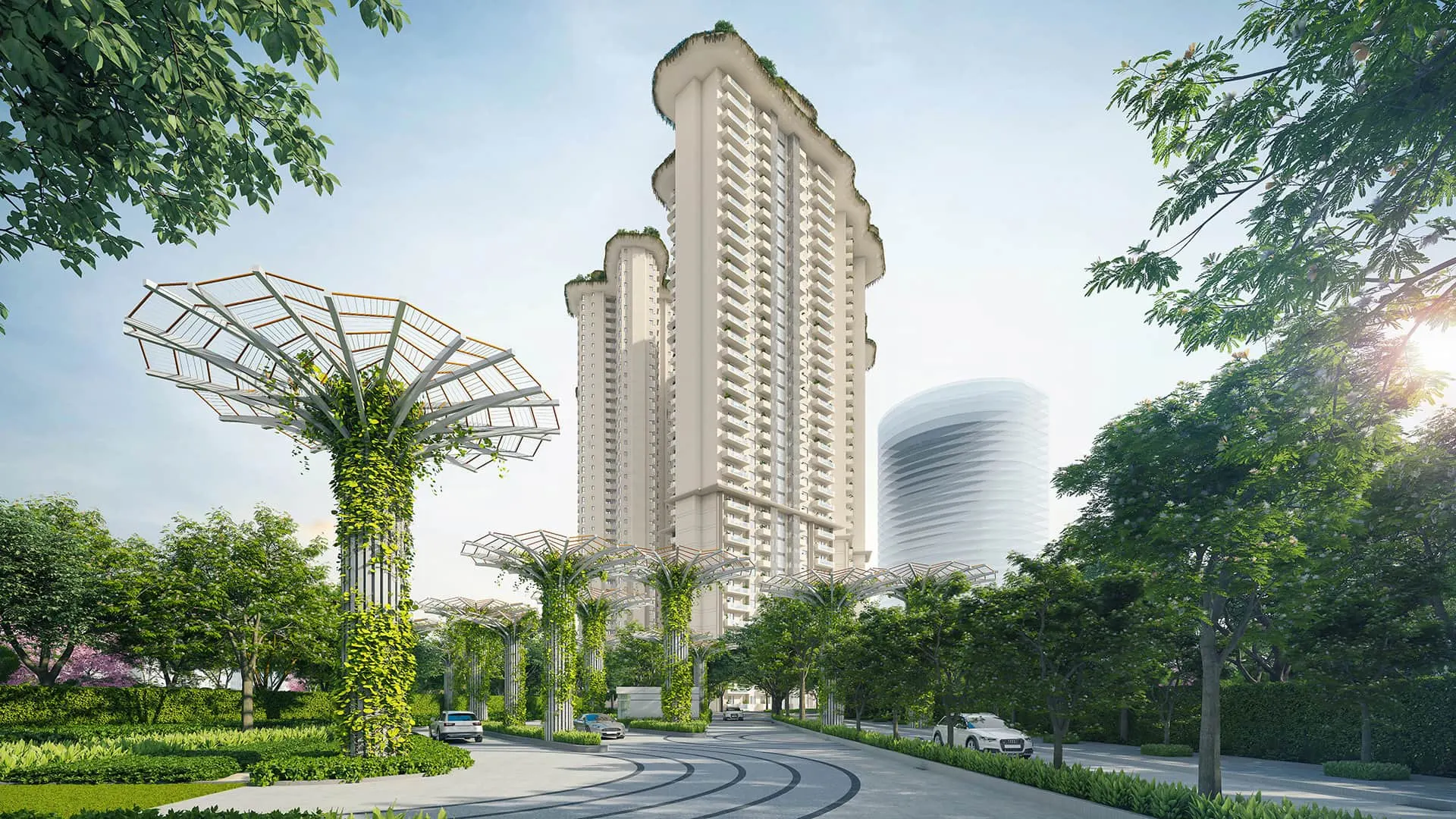
3D Visualization for Real Estate Developers
One studio for every visual a launch needs: hoardings, brochure, sales lounge, site office and social, built in 3D from your approved drawings.
Trusted by leading developers and firms


- years in business
- 17+
- projects delivered
- 15k+
- clients
- 800+
- in-house visualizers
- 15+
What a developer needs at each stage of a launch
A launch is a sequence of touchpoints. Each one needs its own asset, ready on its own date.
-
Step 1: Pre-launch hoardings
Hero exterior views for outdoor and teaser creatives, ready before approvals finish.
-
Step 2: Brochure and website
Exterior, amenity and interior stills, plus floor plans, for print and landing pages.
-
Step 3: Sales lounge
The full walkthrough film and 360° views for lounge screens and the site team.
-
Step 4: Site office and sample flat
Plans, 3D floor plans and short loops that support the sales conversation on site.
-
Step 5: Social and ads
Cut-down films, vertical clips and stills sized for YouTube, Instagram and paid campaigns.
The asset kit for each stage
Start from the stage that is nearest, and plan the rest around it.
| Stage | Assets | Service |
|---|---|---|
| Pre-launch hoardings | Hero exterior in day and dusk, a night view, a teaser still for QR hoardings | 3D exterior rendering |
| Brochure and website | Exterior set, amenity and lobby views, sample-flat interiors, 3D floor plans | 3D interior rendering |
| Sales lounge | Master walkthrough film, 360° views for headset or tablet | 3D walkthrough films |
| Site office | Unit plans in 3D, 360° views of the sample flat, a master-plan or township flythrough loop | 3D floor plans |
| Social and ads | Cut-downs of the film, vertical clips, motion teasers, thumbnails | 3D walkthrough films |
Stills for hoardings and the brochure are quick to produce, about a week. The walkthrough film takes 3–4 weeks and gets easier when the same 3D model has already been approved for the stills. That is why we sequence the kit rather than order everything at once. The walkthrough guide for developers covers inputs and review stages in detail.
Visualization for the projects developers build
-
Residential towers and group housing
Facades, amenities and sample-flat interiors that buyers compare across launches.
-
Townships and plotted projects
Master-plan flythroughs that explain scale, roads, parks and phases.
-
Villas and luxury homes
Close, slow camera work on the entrance, living spaces and landscape.
-
Commercial, retail and SCO
Frontage, footfall and plot layout for investors and tenants.
Working with marketing agencies and channel partners
Visuals are rarely used by one team. Plan for everyone who will present the project.
Developers usually brief us together with an advertising agency, a digital team and a sales head. Channel partners and brokers then present the project to buyers, often with whatever file they can find. A launch goes better when there is one approved set of visuals and one person who owns it.
How we keep it simple
- One approver. Name the person whose feedback is final at each review stage, and we consolidate comments from your agency and your team into one round.
- Formats at briefing. Tell us the aspect ratios and destinations, such as lounge screens, YouTube, ads and print sizes, so we deliver them together.
- A shared kit for partners. We package approved stills, cut-downs and thumbnails so brokers show the same version of your project.
- Artist's impression notes. We place them as your team specifies. Your legal or compliance team decides the wording.
For the local detail of working in the region, see the pages for Gurugram and Delhi NCR.
NDA and confidentiality for unreleased launches
Plans, launch dates and positioning are commercially sensitive. We handle them that way.
-
NDA before drawings
We sign a non-disclosure agreement before you share plans, unit mixes or launch dates.
-
Secure file transfer
Drawings move through a secure cloud folder, not email attachments, and access stays limited to the project team.
-
Named recipients only
Reviews go to the contacts you name. Drafts carry no public links.
-
No public showing without approval
We show your project in our portfolio only when you have said we may.
Planning a launch? Send your drawings and the dates you are working to.
We reply with scope and schedule within 24 hours.
Walkthrough films from developer projects
Two films from the portfolio. Open them to see camera work for residential and commercial launches.
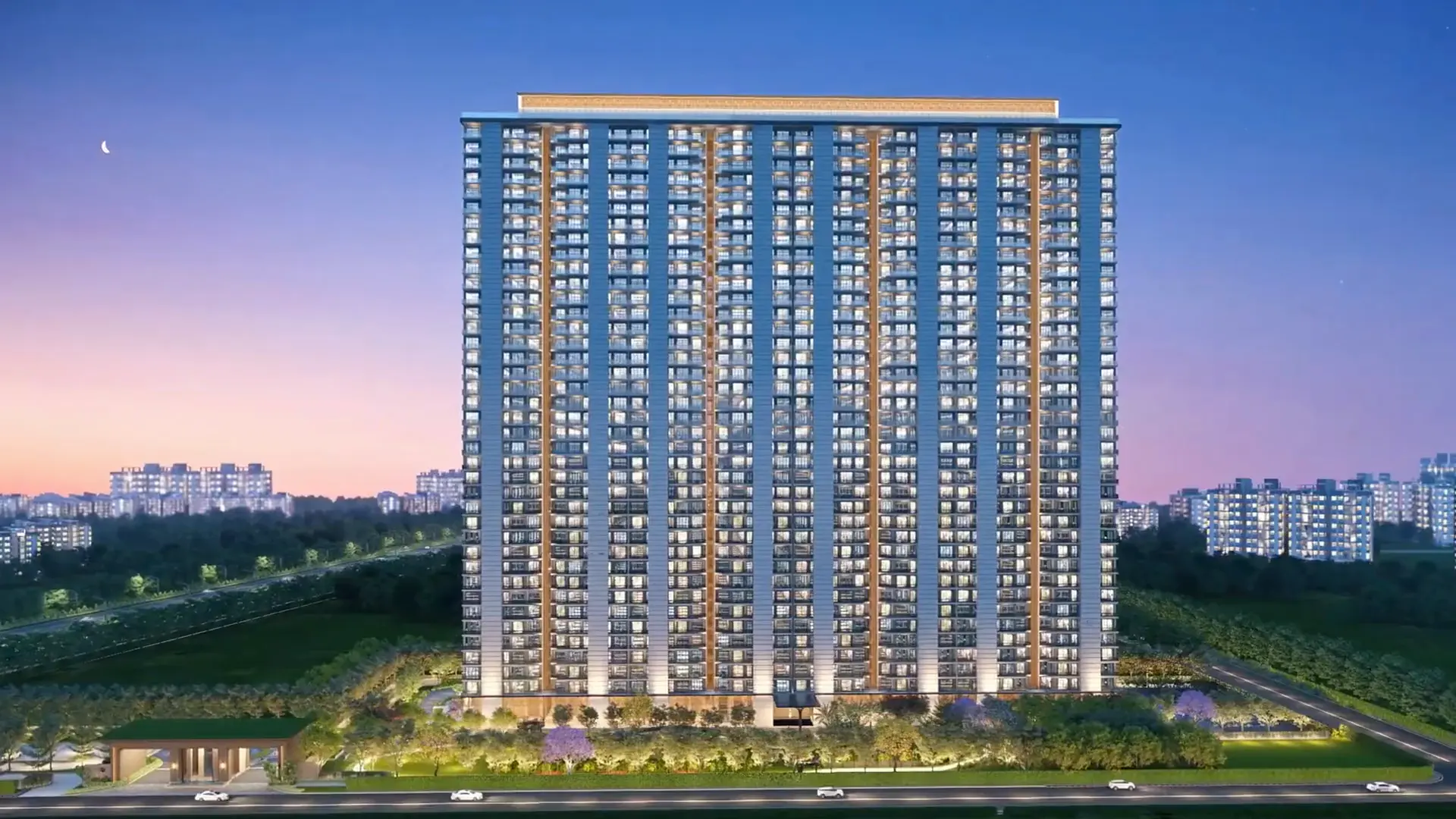
Tulip Melrose
A 3D walkthrough animation of Tulip Melrose ultra-luxury apartments, from the arrival and towers to the amenities.
Read the project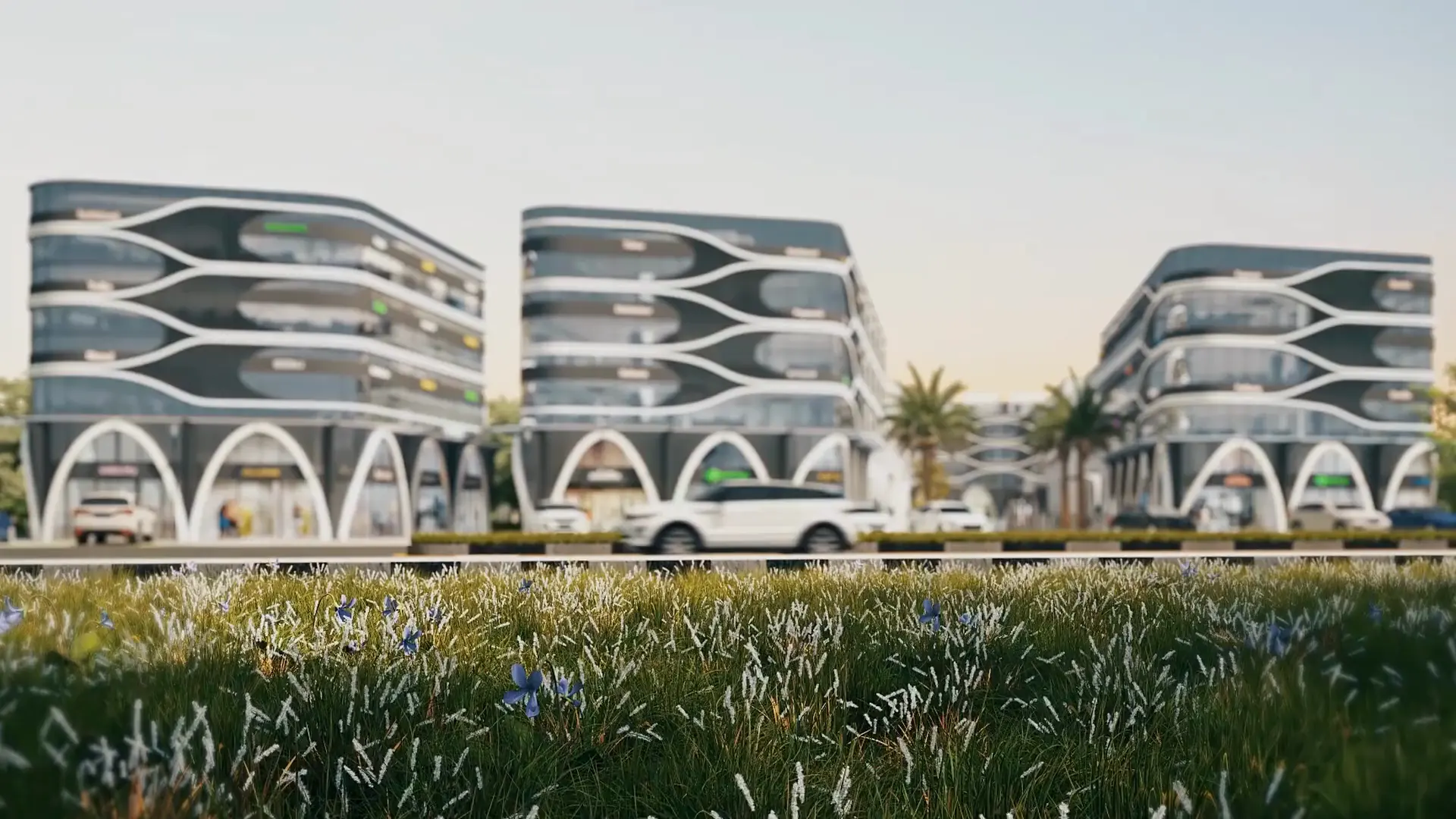
Amogh SCO Plots
A 3D walkthrough film of Amogh by One Stop Reality, a shop-cum-office (SCO) plot development, showing the frontage, streetscape and plot layout.
Read the projectAll six services, one studio
-
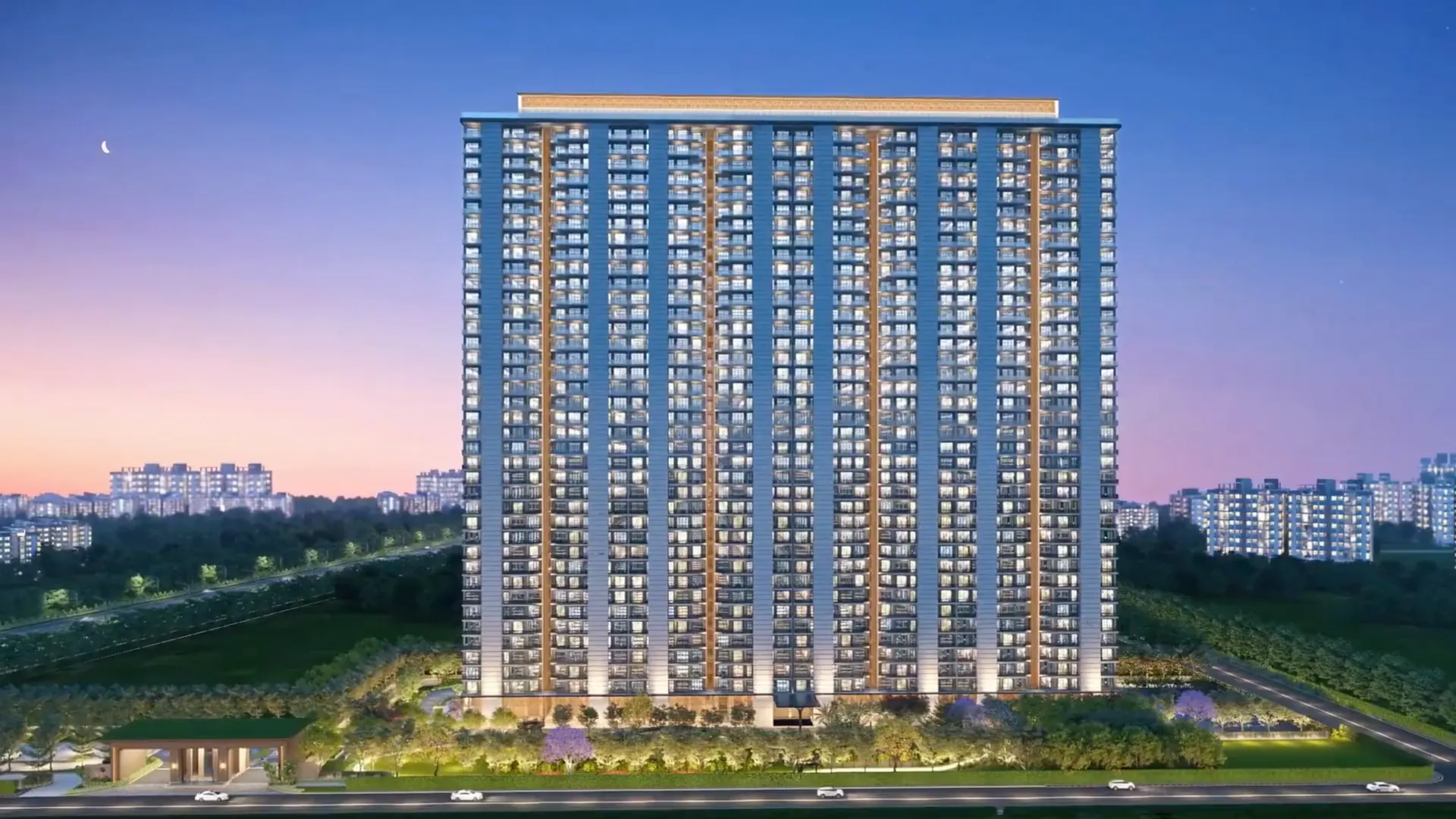
3D Walkthrough Films
Cinematic films that walk buyers through the project before it's built.Explore -
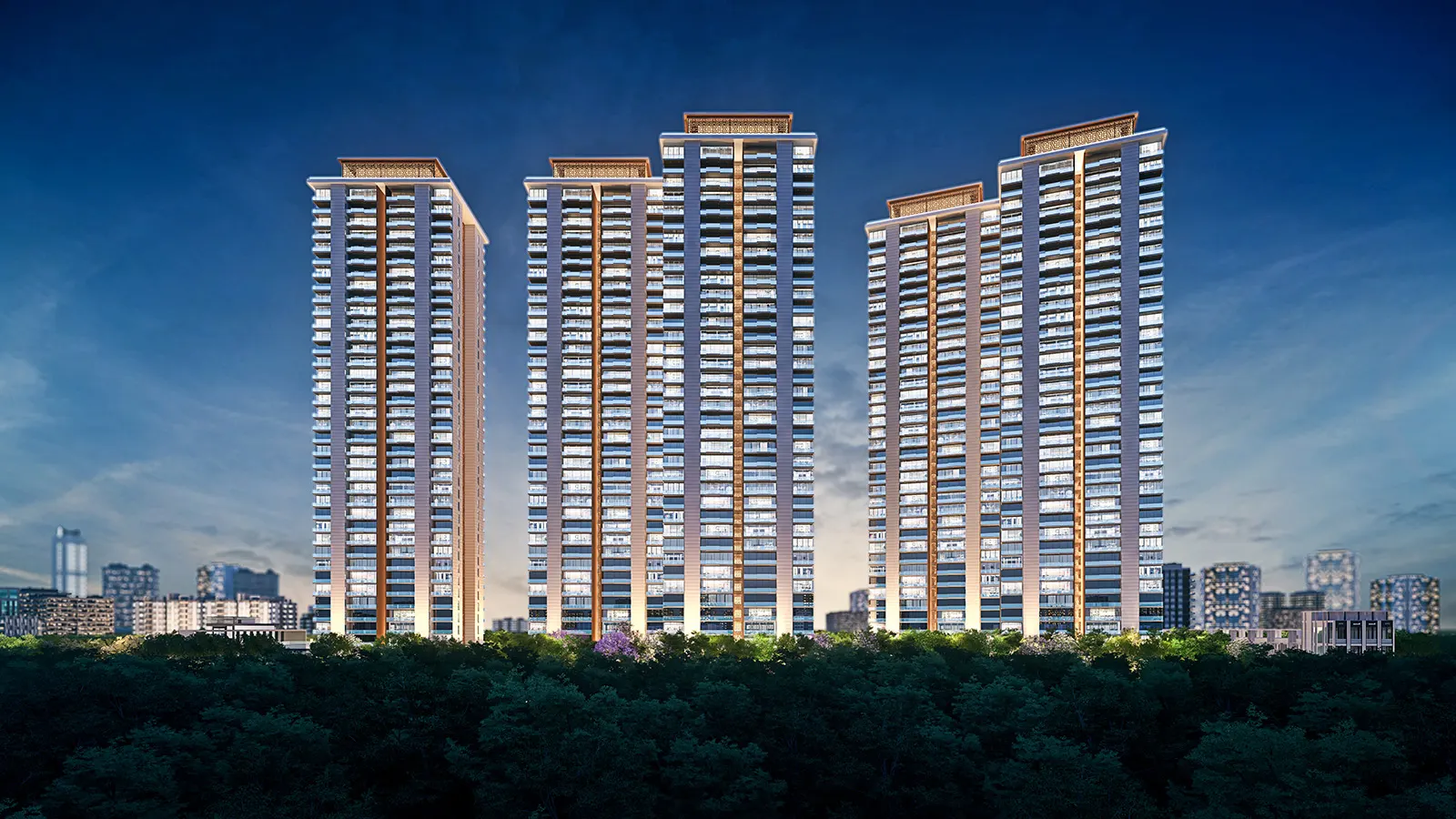
3D Exterior Rendering
Photoreal day, dusk and night views for hoardings, brochures and sales kits.Explore -
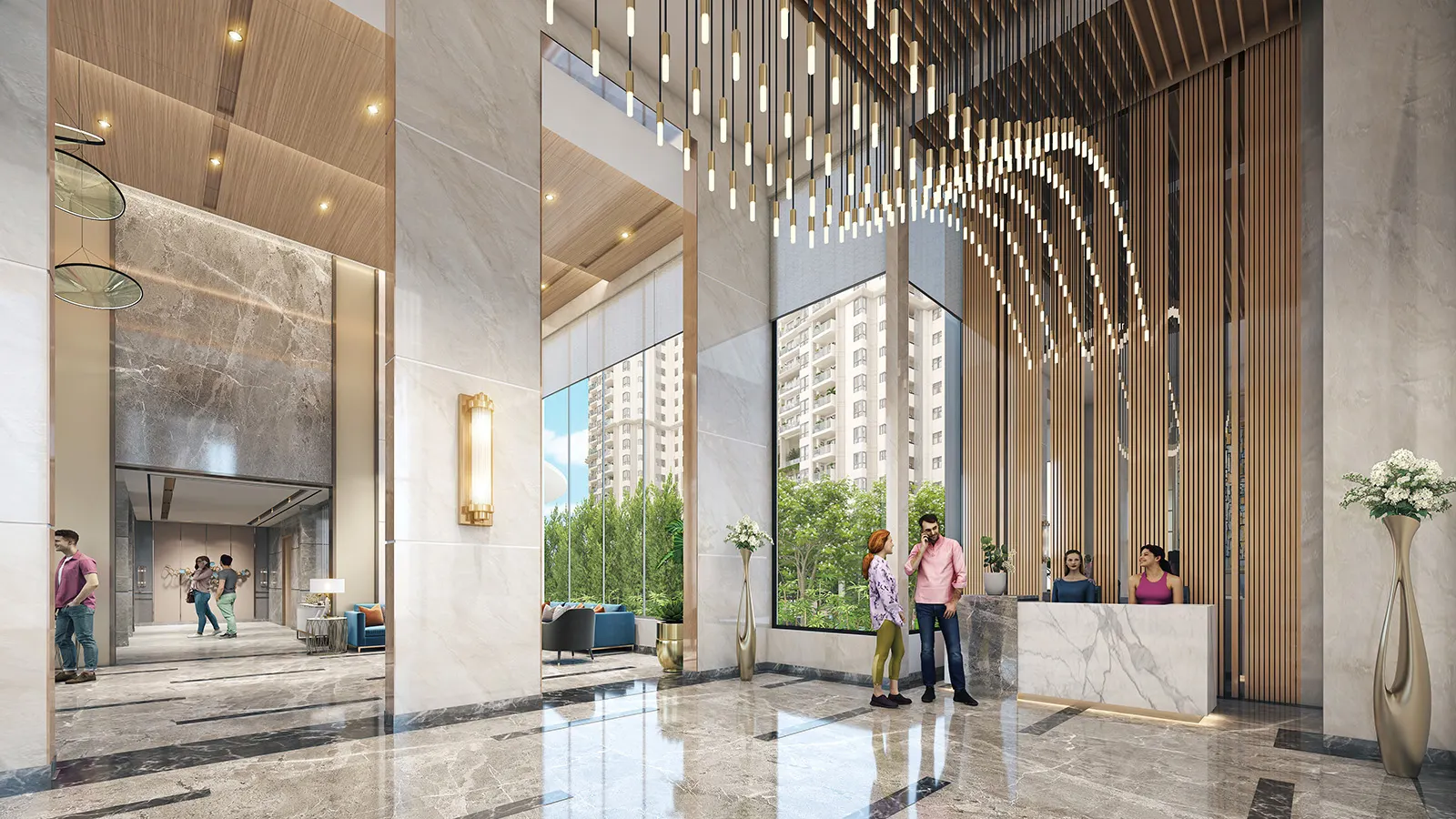
3D Interior Rendering
Sample-flat, lobby and clubhouse interiors with real materials and light.Explore -
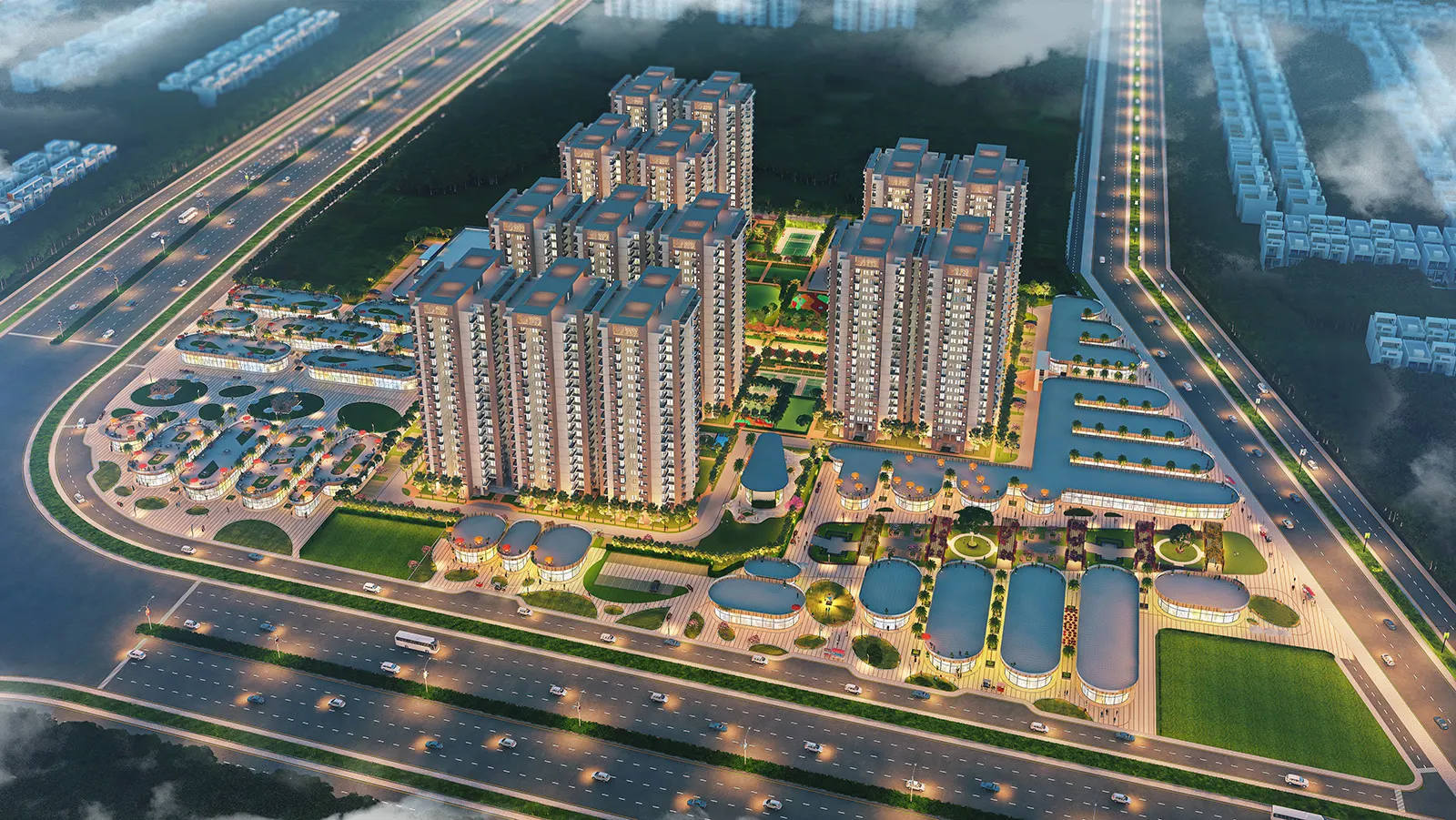
Township & Aerial Animation
Master-plan flythroughs that explain scale, access and amenities.Explore -
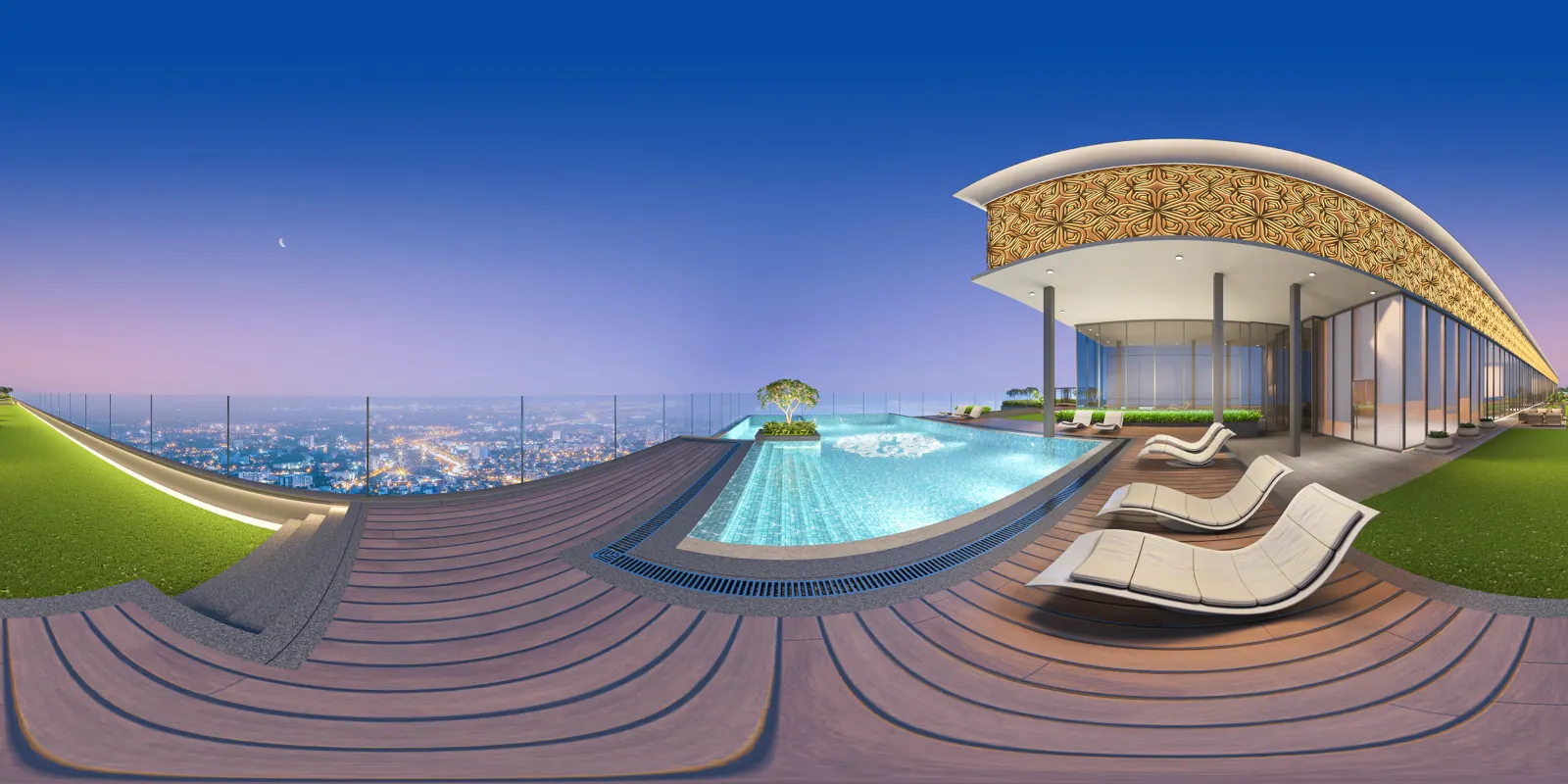
360° Virtual Tours & VR
Let buyers look around a flat on a phone or a VR headset.Explore -
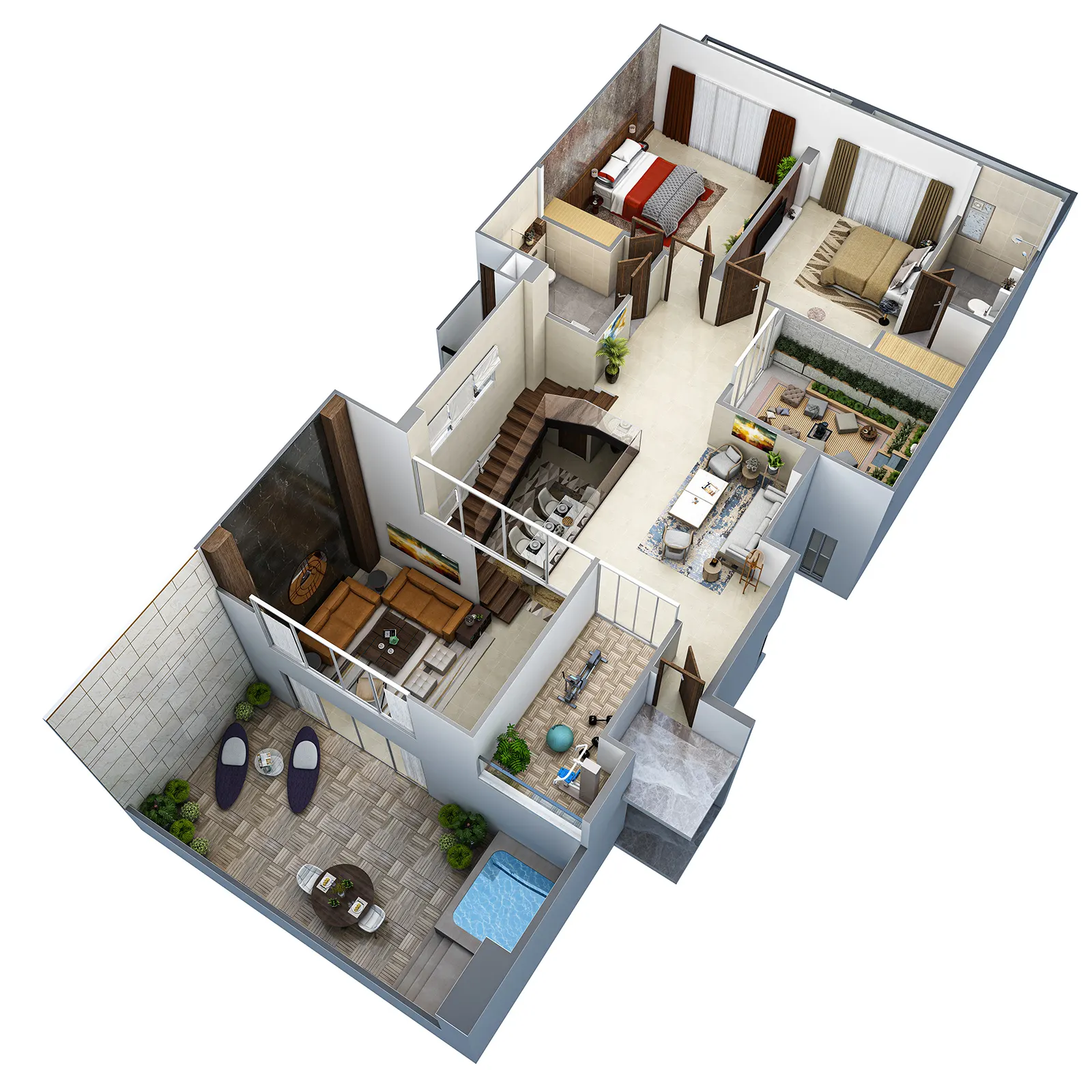
3D Floor & Site Plans
Furnished unit plans and site plans buyers understand at a glance.Explore
Questions from developers
Need something else? Call +91 98998 86515 or send your brief.
Which assets should we commission first for a new launch?
Start with the hero exterior views, because hoardings, the brochure and the website all depend on them. The walkthrough film follows once the clay model and facade are locked. The walkthrough guide sets out the order.
Can you work directly with our advertising agency?
Yes. Name one contact who approves feedback, and we can share drafts with your agency and brand team in the same review thread. Agencies get the formats and aspect ratios they need through the brief.
How do you handle confidentiality before a launch?
We sign an NDA before drawings are shared, use a secure cloud folder for files, and show nothing from your project publicly without your approval.
How long does a launch kit take?
A set of stills takes about a week, a walkthrough film 3–4 weeks and a township set 3–4 weeks from approved drawings. We schedule each asset against the date it is needed, so hoarding stills do not wait for the film.
Can we get cut-downs for ads and social media?
Yes. Mention the channels at briefing and we plan the camera paths for them. Horizontal, square and vertical versions can come from the same film.
Do you add an "artist's impression" note to renders?
Yes, we place the note wherever your team specifies. Your legal or compliance team decides the wording your registration needs; we do not certify compliance.
Brief your launch kit
Tell us about the project. We'll reply with scope, schedule and a quote within 24 hours.
- Call+91 98998 86515
- WhatsApp+91 98998 86515
- Emailinfo@ndrdigitalstudio.com
- Studio#164, Sector 5, Gurugram, Haryana 122001