

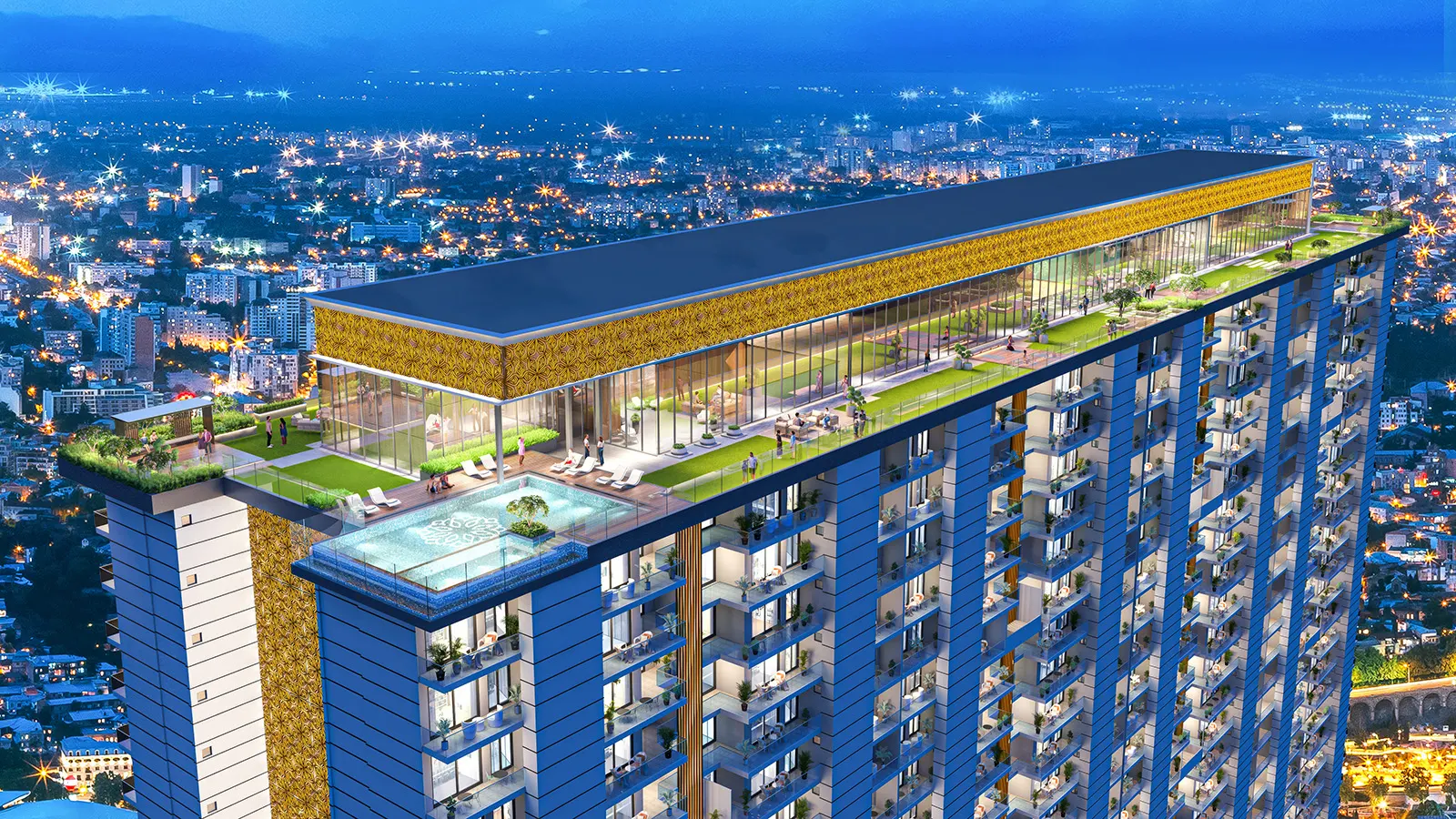
360 Virtual Tour and VR Walkthroughs for Real Estate
Let buyers look around a flat, a lobby or a rooftop deck before it is built. A shareable web 360 link for any screen, and a headset experience for the sales lounge. Built in 3D from your approved drawings, then finished.
Trusted by leading developers and firms


- years in business
- 17+
- projects delivered
- 15k+
- clients
- 800+
- in-house visualizers
- 15+
360 virtual tour and VR for real estate, explained
A 360 virtual tour lets a buyer stand inside a flat, a lobby or a rooftop deck and look in any direction before any of it is built. For a developer, it means a sales conversation that does not depend on a finished sample flat.
NDR Digital Studio offers it in two forms. 360 panoramas are rendered views from fixed viewpoints that you share as a web link. A VR walkthrough is a scene explored in a standalone headset such as the Meta Quest. Both are built in 3D from your approved drawings, then finished, so they match your interior renders and exterior renders.
Many projects use both: the web link for wide sharing, the headset for the sales lounge, and a walkthrough film for the story of the whole project.
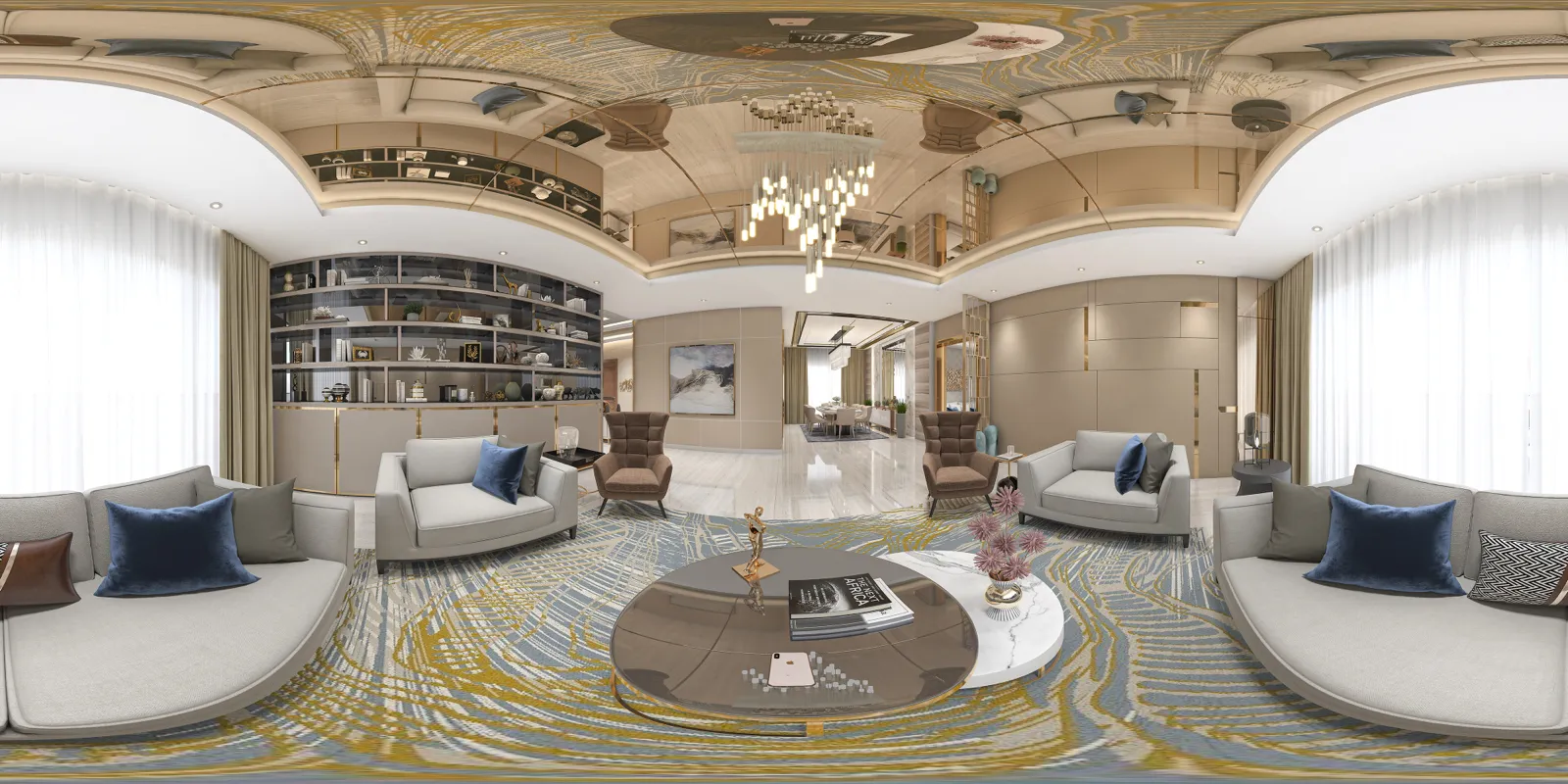
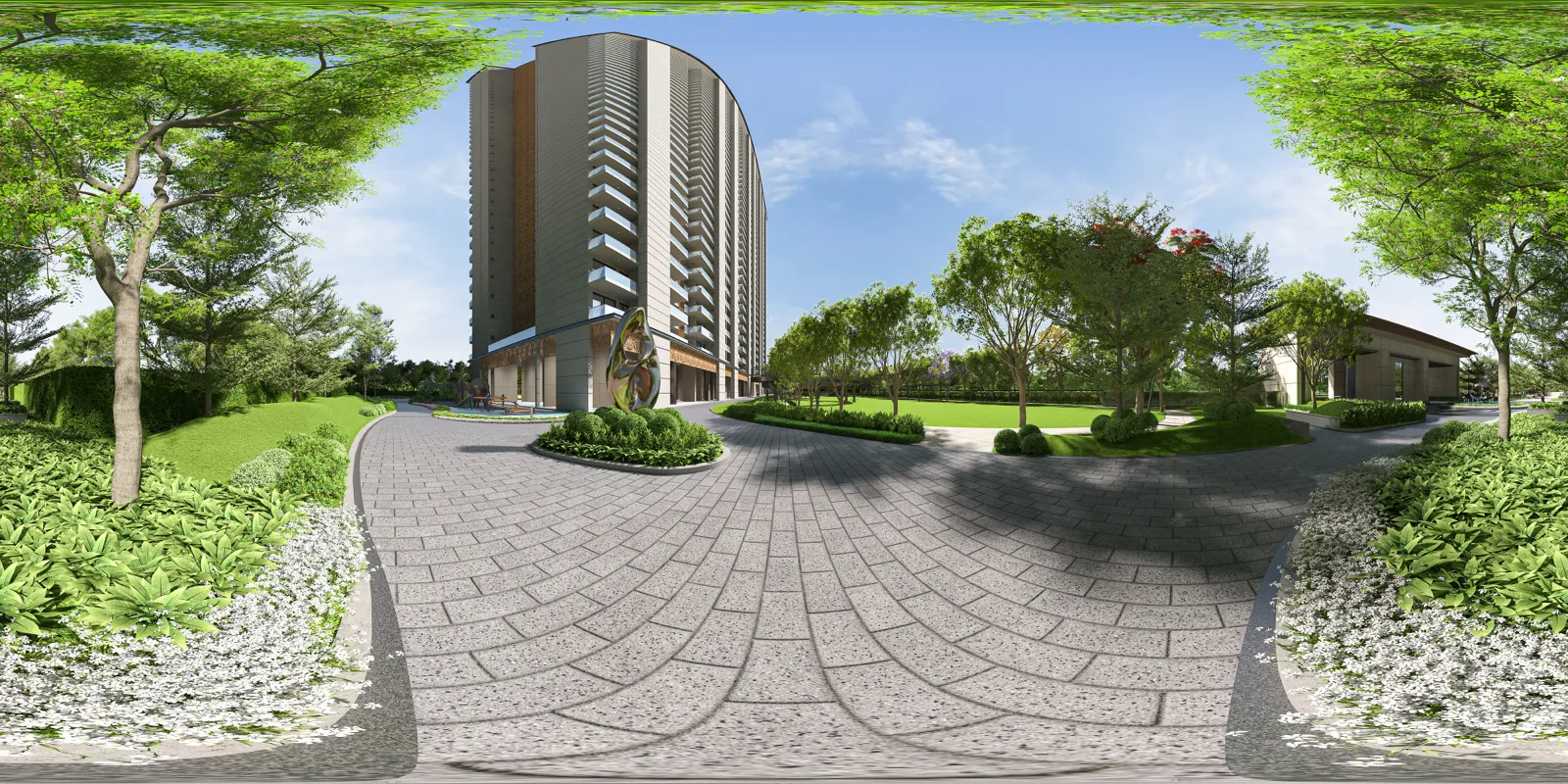
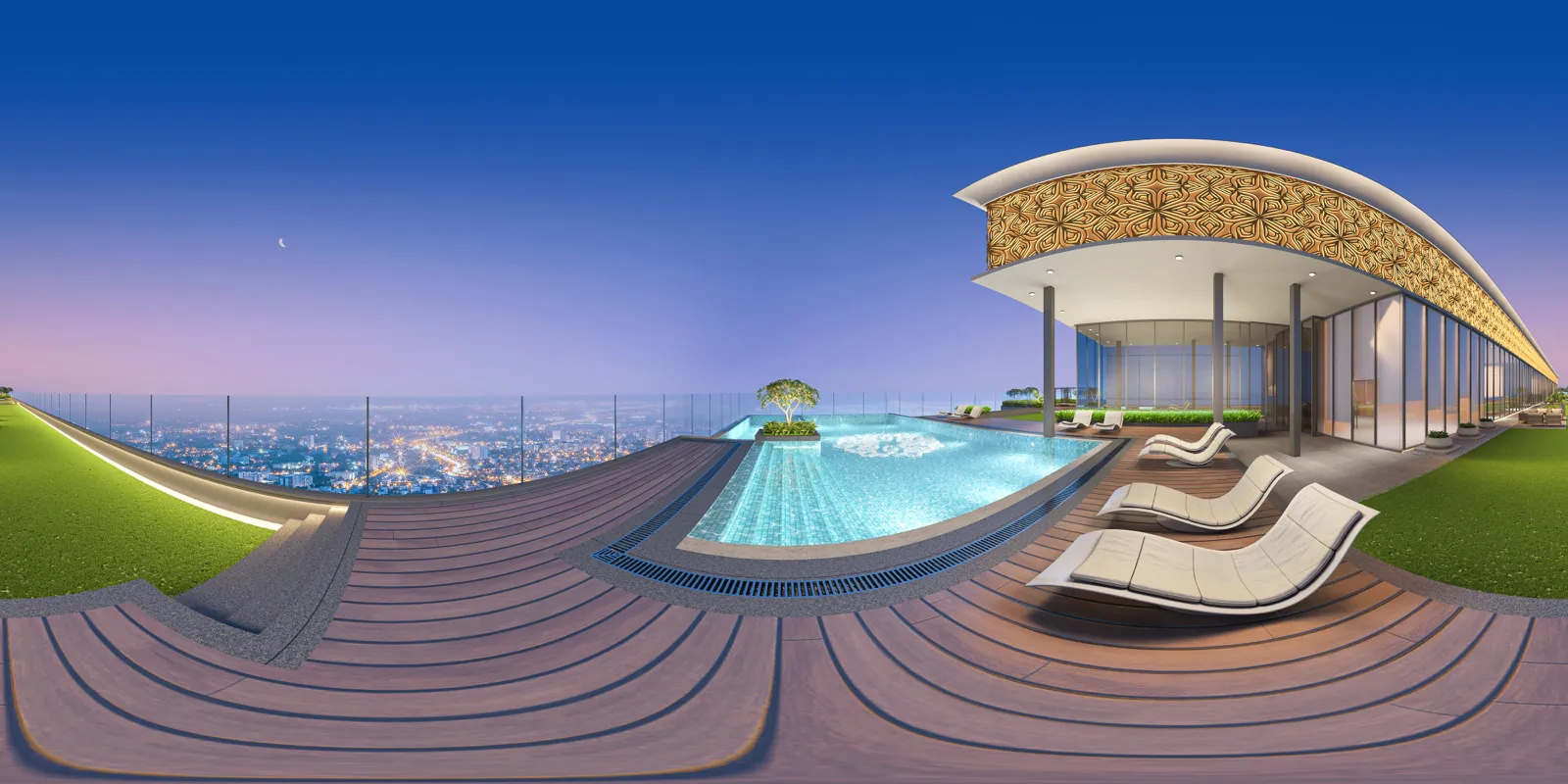
360 panoramas from NDR work
Each image below is a full 360-degree panorama shown flat, the way it is rendered. In a viewer, it wraps around the person looking.
-
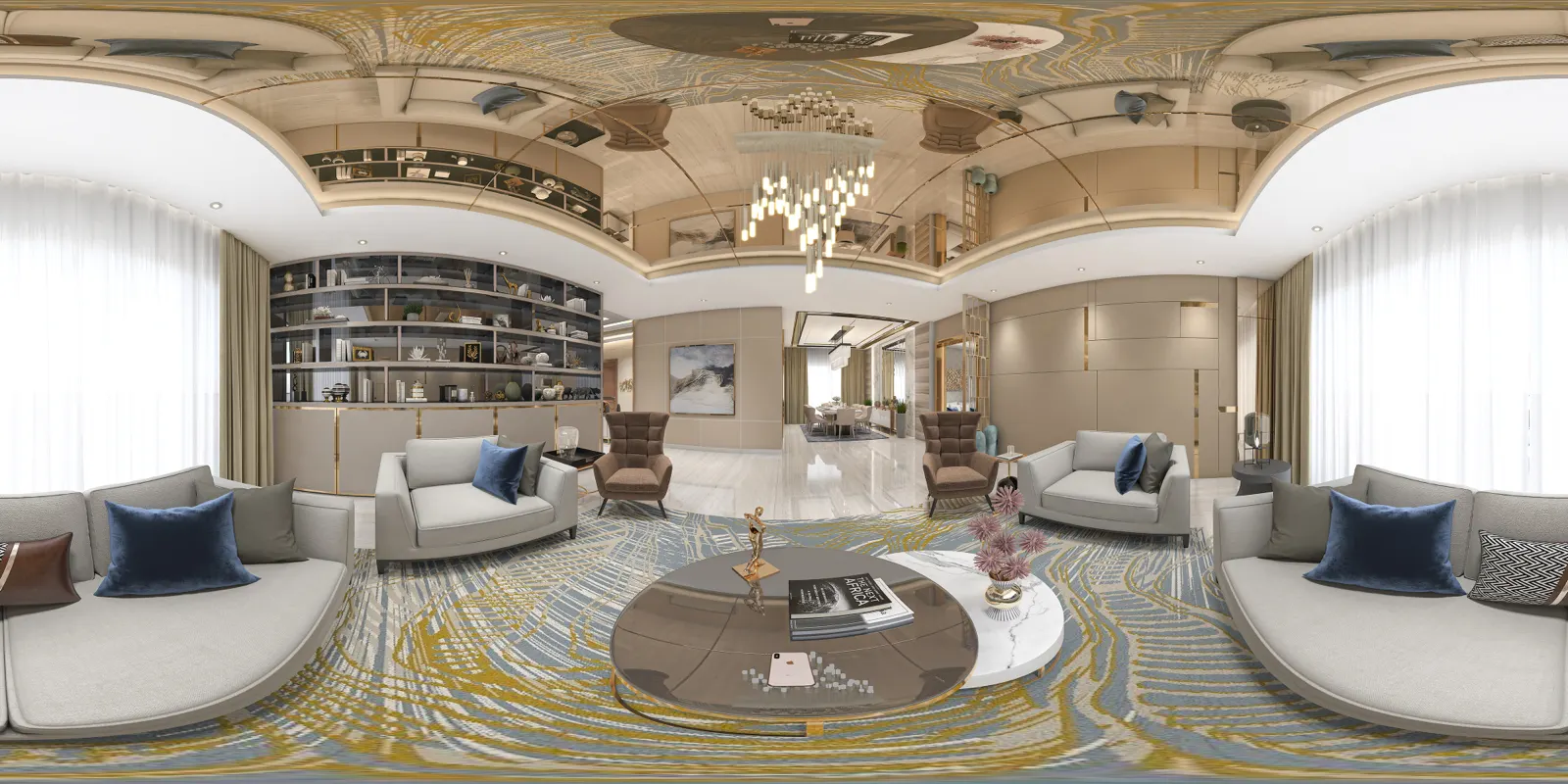
Interior living room A furnished sample-flat view, ready to look around.
-
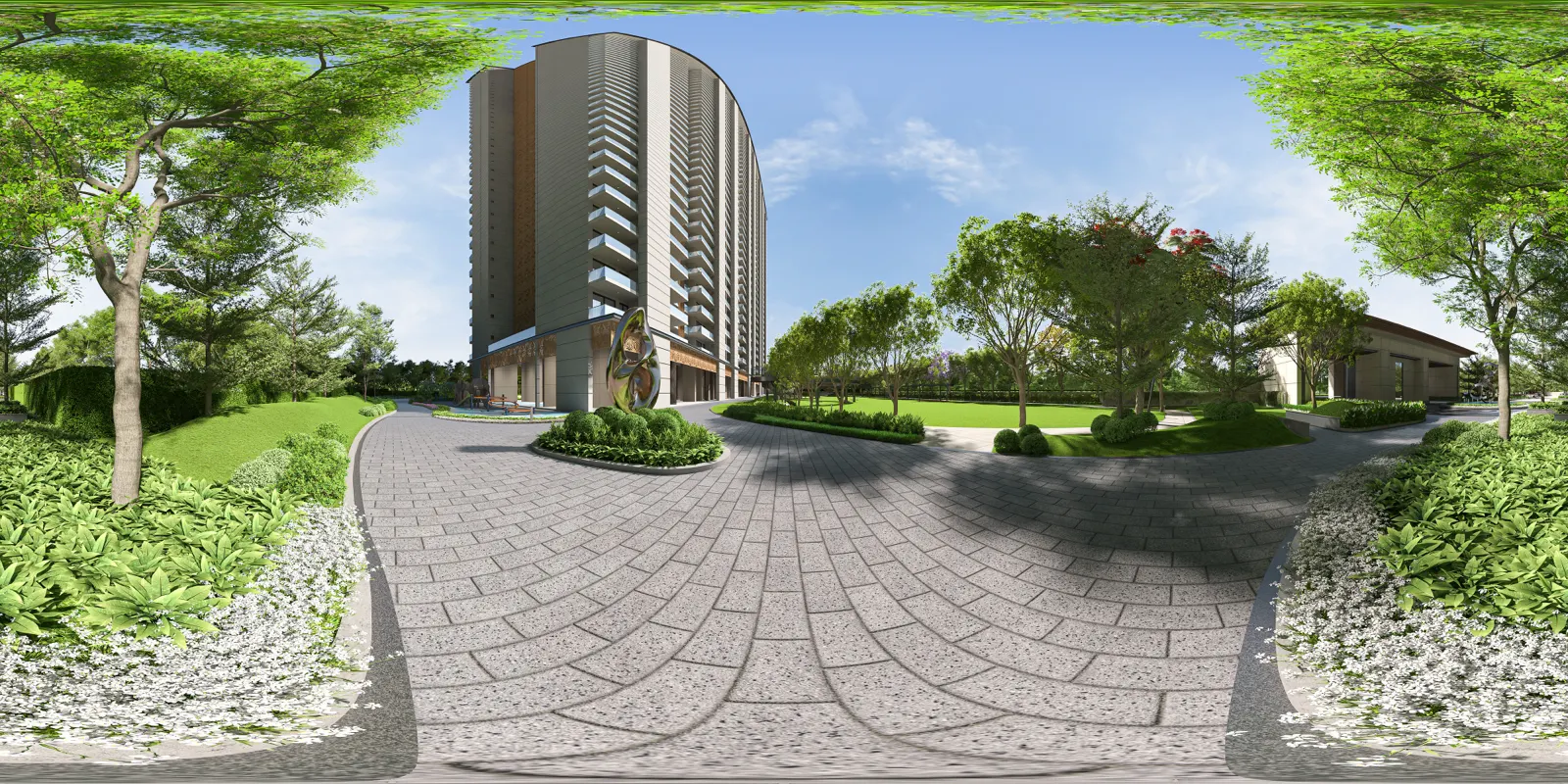
Residential landscape Podium or ground-level amenity space.
-
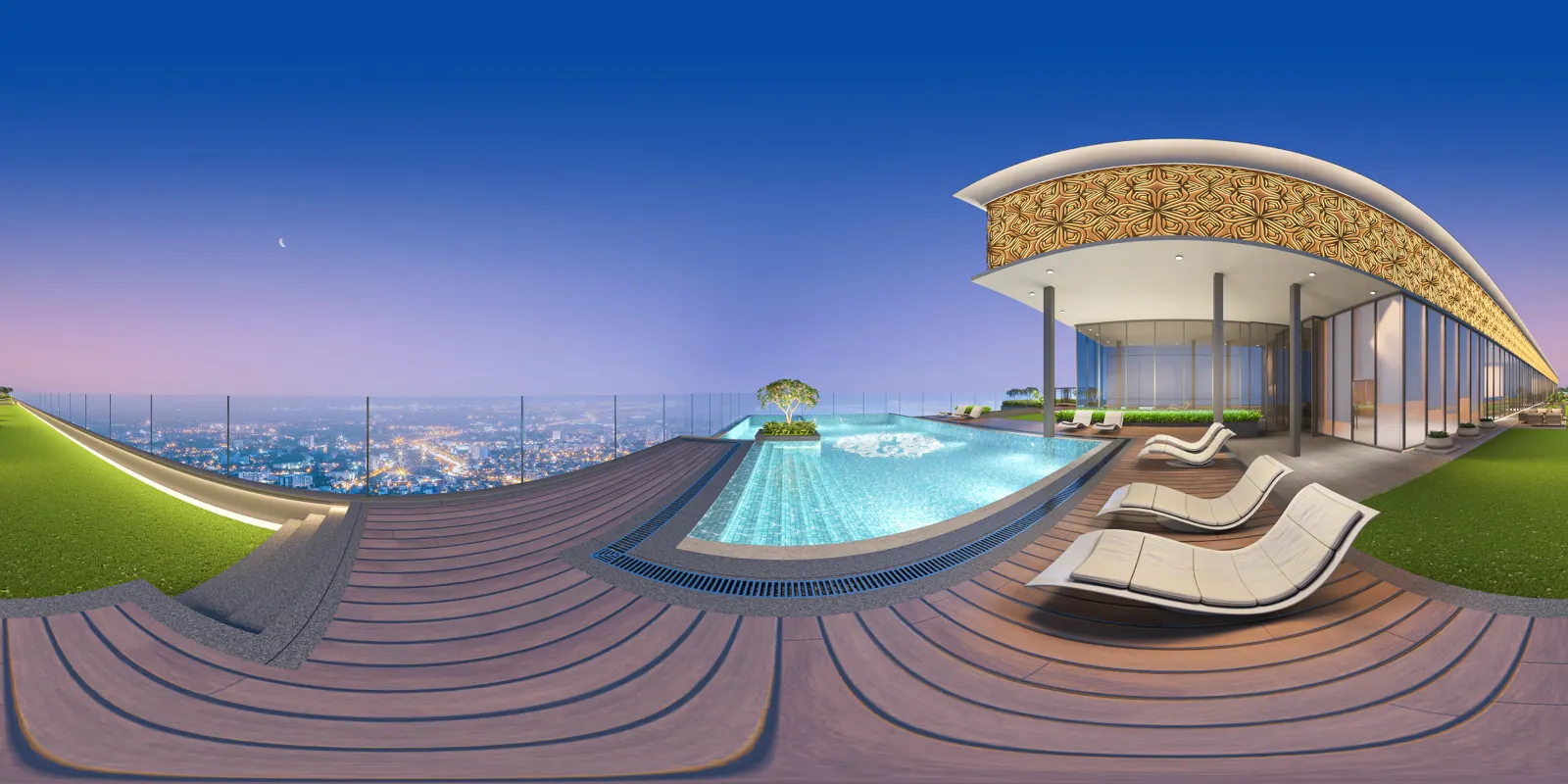
Rooftop pool A sky-deck amenity that is hard to show on paper.
The Digital Asset Package and Pre-Build Audit
Every VR project ends with assets your team can use without NDR in the room, and starts with a check of the model itself.
-
Secure web 360 link
The panoramas sit behind a private web link you can send to a buyer, an investor or a partner.
-
4K panoramic renders
The same views as high-resolution panoramic images, for the sales team and for print and screens.
-
Recorded summary video
A recorded video of the experience, for people who will not put on a headset or open a link.
-
Pre-Build Audit
A review of the 3D model before anything is built, so layouts, sight lines and circulation are checked while changes are still quick to make.
A VR walkthrough in a Meta Quest headset
Standalone headsets such as the Meta Quest need no cables or high-end computer, which suits a sales lounge.
Let buyers stand inside the unit
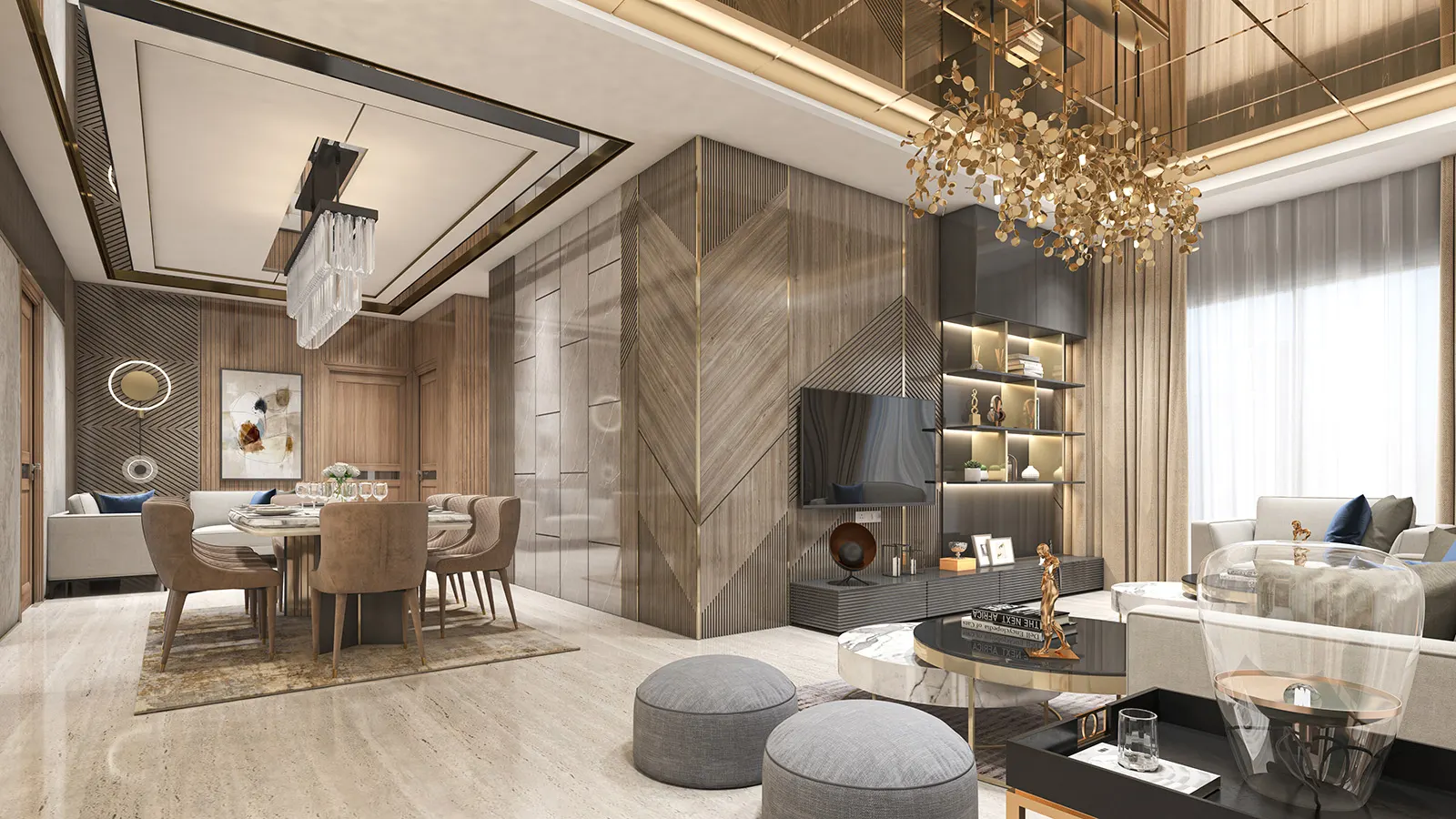
A buyer puts on the headset and walks through the lobby, the living room and the amenities at real scale. Where it is part of the brief, they can change finishes, for example swapping the kitchen marble or changing a floor from tile to wood with a click. A technical lead from NDR can support the live VR session.
Use the model to catch problems early
The Pre-Build Audit walks the 3D model for layout, circulation and sight-line issues before work starts on site. VR also helps architects explain a design to a client, and is useful when a project is competing for approval or a tender.
See the walkthrough filmsWho a 360 virtual tour is made for
The audience decides the format. Here is how developers and design teams usually use each one.
-
The sales lounge
Put a Meta Quest headset in the lounge and let a family stand inside the unit, with a technical lead from NDR on hand during a live VR session.
-
NRI and out-of-town buyers
Send the web 360 link so a buyer abroad can look around the flat and the amenities without flying in for a site visit.
-
Architects and design teams
Walk a client through a layout before approvals, and test finishes in the room itself.
-
Commercial and mixed-use projects
Office floors, retail frontages and lobbies, shown the way a tenant or an investor would see them.
Want buyers to look around before launch?
Send your plans and the viewpoints you need. We reply within 24 hours.
How a 360 and VR project is built
A VR build usually takes 4–6 weeks. Panoramas on their own are quicker.
-
Step 1: Brief and drawings
You share approved plans, elevations and finishes, and choose the viewpoints: which rooms, which amenities, where buyers should stand.
-
Step 2: Model and audit
We build the 3D model and run the Pre-Build Audit, checking layouts and circulation. Corrections made here are much easier than corrections on site.
-
Step 3: Panoramas and VR scene
Viewpoints are rendered as 360 panoramas, and the VR scene is set up for a Meta Quest headset. You review a colour draft first.
-
Step 4: Handover and live session
You receive the Digital Asset Package. For a headset launch, an NDR technical lead can run the live VR session with your team.
See the full NDR process for approvals, revisions and delivery.
What shapes the scope of a 360 or VR project
Every project is quoted on its brief. These are the factors that decide the work.
-
Number of viewpoints and spaces
One furnished flat and a full project with amenities, lobbies and several unit types are very different amounts of work.
-
Interactivity
A set of linked panoramas is lighter than a headset scene where finishes can be swapped, such as tile to wood, with a click.
-
Level of detail
Furniture, landscape, lighting and the view outside the window all add to the build, especially when buyers can look close up.
-
Drawing readiness
Final plans and finish schedules keep a VR build to its 4–6 week schedule.
-
Deliverables and live support
The web 360 link, the 4K panoramas, the summary video and a live session in your lounge are each agreed in the quote.
-
Revisions and deadline
Review rounds and your launch date are agreed up front. A VR build usually takes 4–6 weeks, and your quote states the exact schedule.
Quoted on your brief.
Other ways to show the same project
-
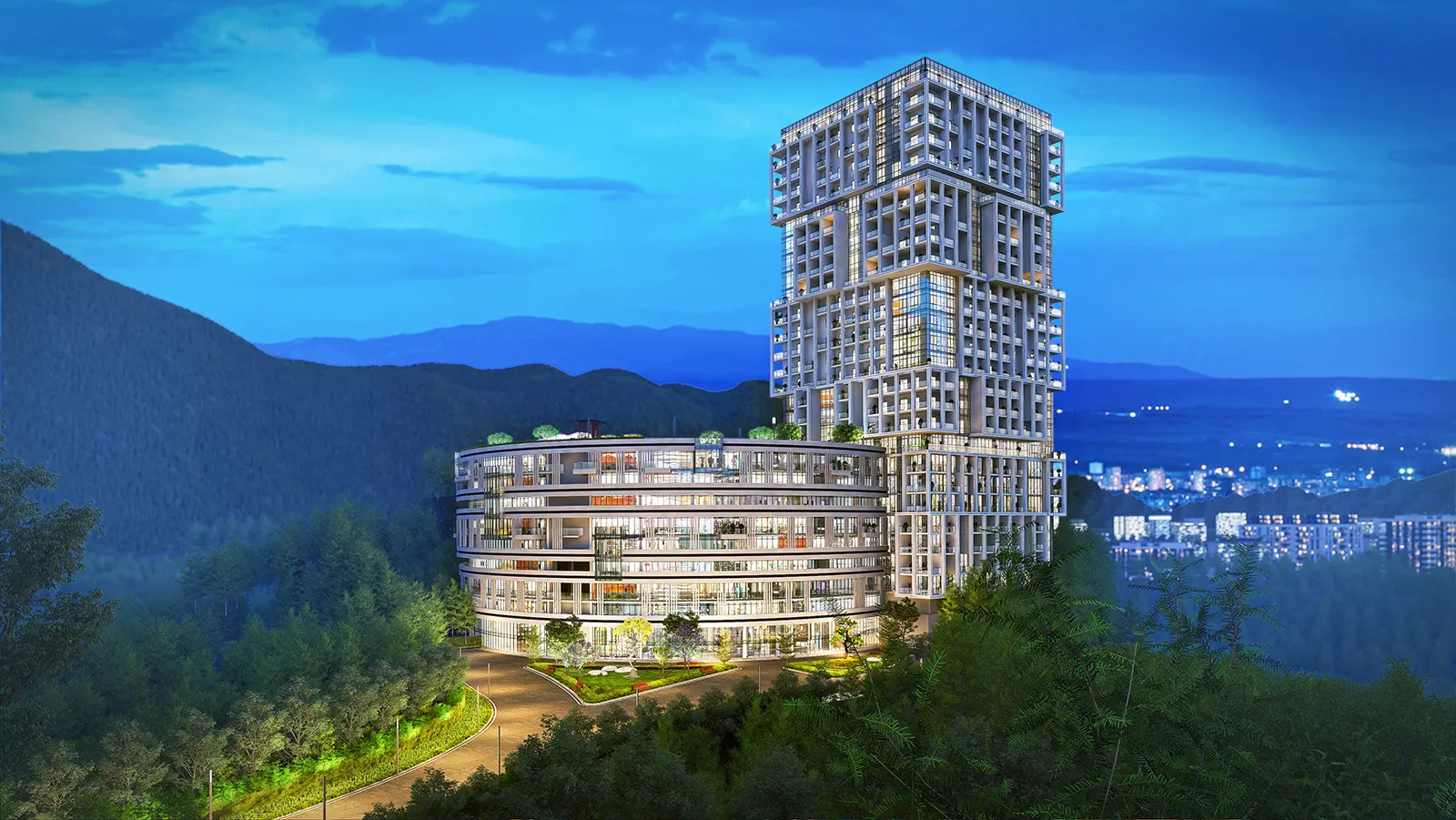
3D Walkthrough Films
Cinematic films that walk buyers through the project before it's built.Explore -
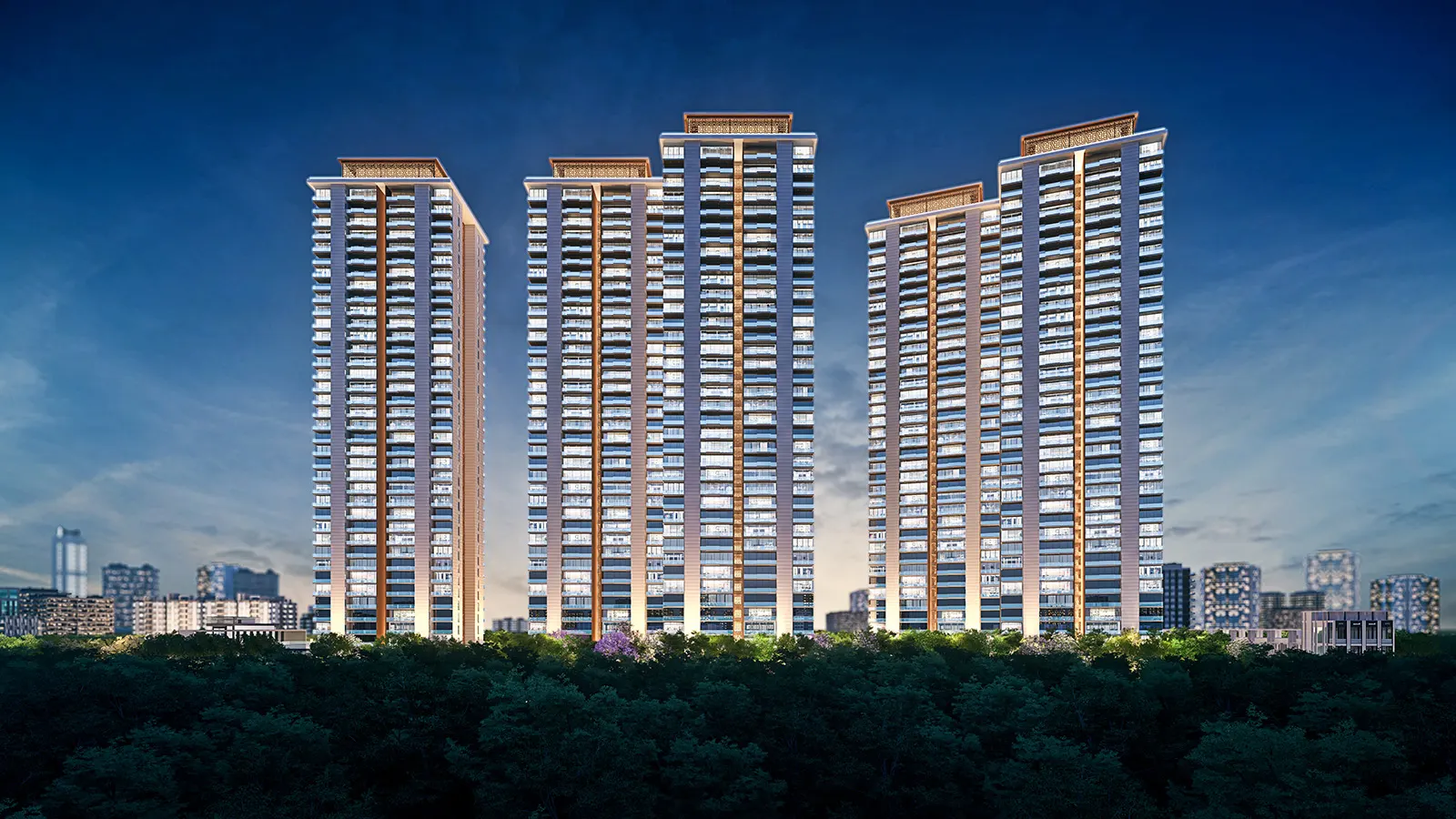
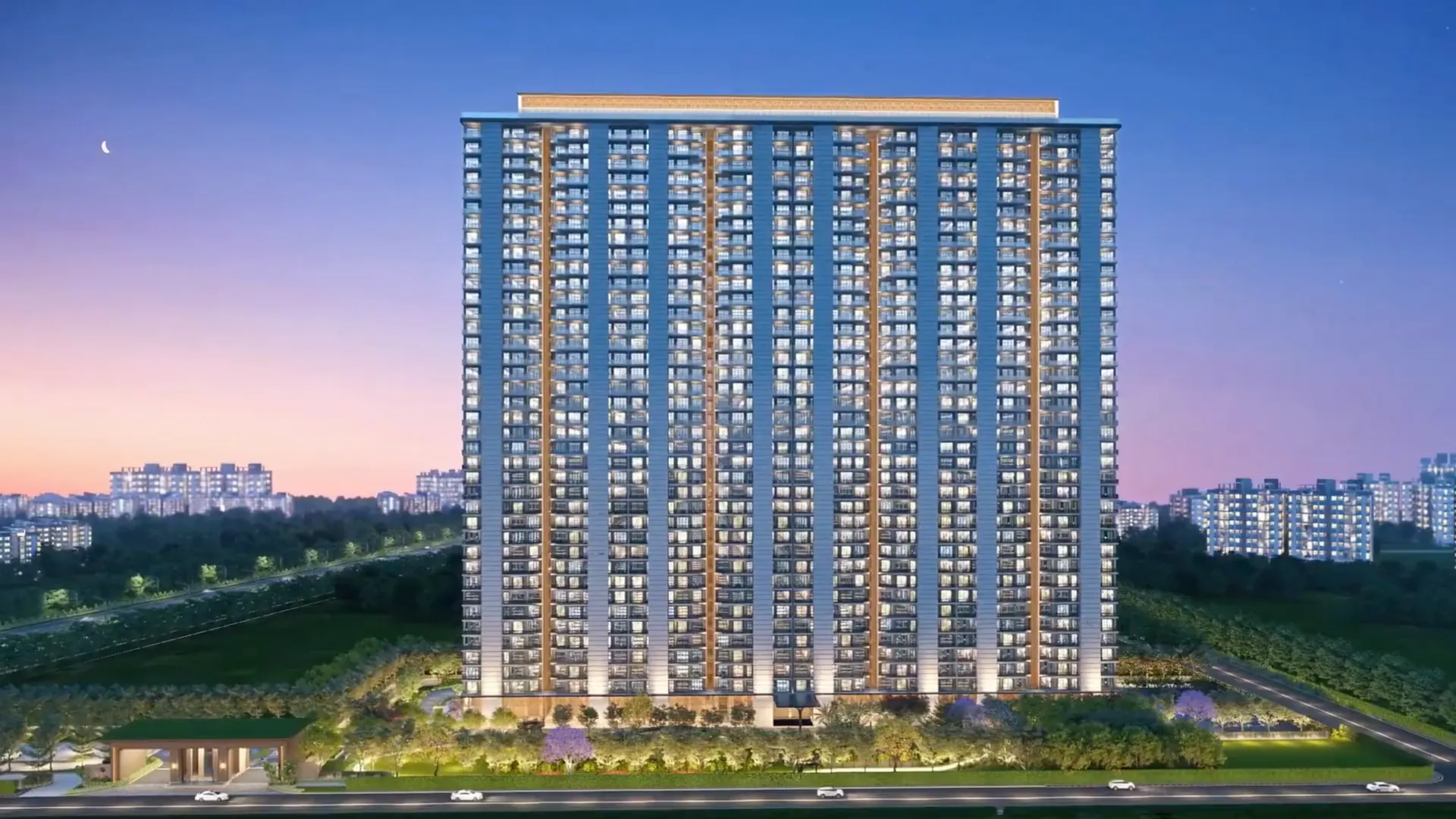
3D Exterior Rendering
Photoreal day, dusk and night views for hoardings, brochures and sales kits.Explore -
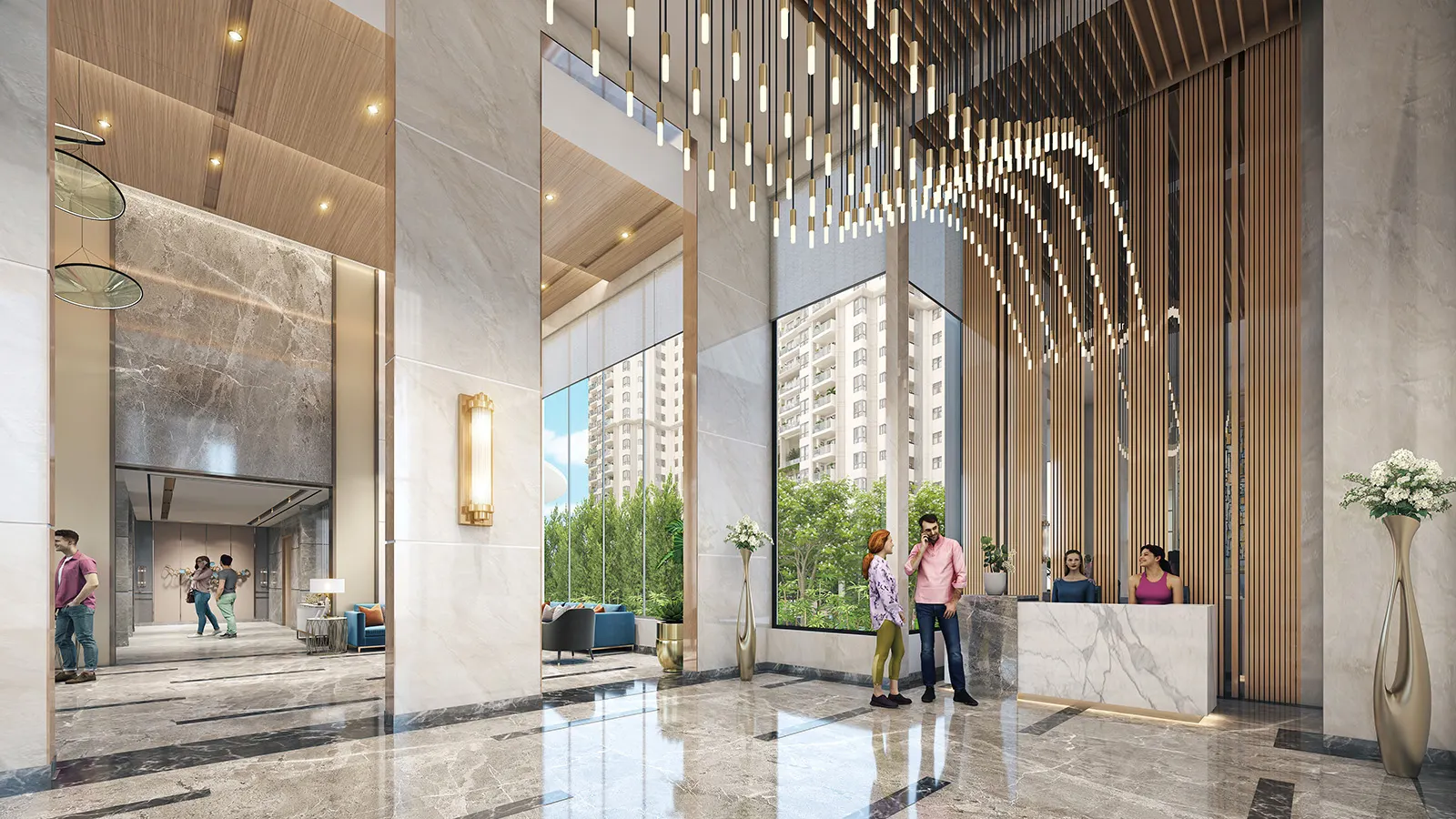
3D Interior Rendering
Sample-flat, lobby and clubhouse interiors with real materials and light.Explore
360 virtual tour and VR FAQs
Still have a question? Call or WhatsApp us, or send your brief.
What is the difference between a 360 panorama and a VR walkthrough?
A 360 panorama is a rendered view from one standing point that the viewer can look around, shared as a web link. A VR walkthrough is a scene the viewer explores in a headset such as the Meta Quest. Many projects use panoramas for wide sharing and VR for the sales lounge.
What do I receive in the Digital Asset Package?
A secure web 360 link, 4K panoramic renders and a recorded summary video. Together they let your team share the project without needing a headset in the room.
What is the Pre-Build Audit?
A review of the 3D model before construction. Walking the layout in 3D often shows awkward circulation, blocked sight lines or finishes that do not work together. Catching them in the model is far easier than fixing them on site.
How long does a VR project take?
A VR build usually takes 4–6 weeks from approved drawings. The time depends on how many spaces are included, how interactive the scene is, and how fast approvals come back. Still renders and panoramas alone are quicker, and your quote states the exact schedule.
Which headsets does it work on?
Our VR experiences are built for standalone headsets such as the Meta Quest, so no powerful computer or cables are needed in the lounge. Tell us what you plan to use and we will confirm during scoping.
Can buyers change finishes in the experience?
Yes, where it is included in the brief. For example, a buyer can swap the kitchen marble or change a floor from tile to wood with a click. Each option is modelled in advance, so tell us which finishes your sales team wants to show.
Can I use it for buyers who live abroad?
Yes. The web 360 link can be sent to any buyer, including NRI buyers, so they can look around the unit and amenities before deciding to visit. Pair it with a walkthrough film for the wider story of the project.
What do you need from us to start?
Approved plans and elevations in CAD or PDF, the finish schedule, any reference photographs and a list of viewpoints. We sign an NDA before you share files and use a secure cloud folder, not email attachments.
Get a project quote
Tell us about the project. We'll reply with scope, schedule and a quote within 24 hours.
- Call+91 98998 86515
- WhatsApp+91 98998 86515
- Emailinfo@ndrdigitalstudio.com
- Studio#164, Sector 5, Gurugram, Haryana 122001